
Installation
Get OrcaCD running quickly with Docker
Project state
OrcaCD is in early development and not yet production-ready. There are no stable releases. Expect breaking changes at any time.
Prerequisites
OrcaCD consists of two components: the Hub, the central control plane that serves the web UI and manages your deployments, and the Agent, which runs on every machine where applications should be deployed and executes the deployments there. One Hub can manage many Agents on different machines, but both can also run together on a single machine, which is what this quickstart sets up. See the architecture overview for more details.
Before you start, make sure you have:
- A machine to run the Hub and Agent on - typically a Linux server like a VPS, but any machine with Docker works
- Docker Engine with the Docker Compose plugin installed.
- For a publicly reachable setup: a domain with a DNS record pointing to your server, and a reverse proxy which also handles TLS. By default the Hub only listens on
127.0.0.1:8080, and you put your own reverse proxy (Nginx, Caddy, Traefik, ...) in front of it. See the reverse proxy guide.
Just testing OrcaCD locally? You can skip the domain and reverse proxy setup, set the
APP_URL=http://localhost:8080 in the .env file, and access the Hub at http://localhost:8080.
Start Hub and Agent
Download the docker-compose.yml and .env file:
curl -o docker-compose.yml https://raw.githubusercontent.com/OrcaCD/orca-cd/main/docker-compose.yml
curl -o .env https://raw.githubusercontent.com/OrcaCD/orca-cd/main/.env.example
Edit the .env file according to the instructions in the file. The most important values are:
APP_URL- the URL under which the Hub will be reachable. OrcaCD does not provision this URL for you: it is your domain pointing at your reverse proxy (e.g.https://orcacd.example.com).APP_SECRET- used for authentication and database encryption. Generate one withopenssl rand -base64 42.HUB_URL- the URL the Agent uses to reach the Hub, usually the same asAPP_URL.AUTH_TOKEN- leave empty for now; you will create it in the Hub UI in a later step.
We recommend customizing other environment variables as needed. See the environment variables page for more details.
Remove the Agent part from the compose file if you don't want to deploy it to the same machine as the Hub.
Start the Hub and the Agent:
docker compose up -dConfigure your Reverse Proxy
By default the hub only listens on port 8080 on localhost. Configure your reverse proxy to forward traffic from your domain to the Hub. See the reverse proxy guide for instructions for Nginx, Caddy and Traefik.
Create an Admin Account
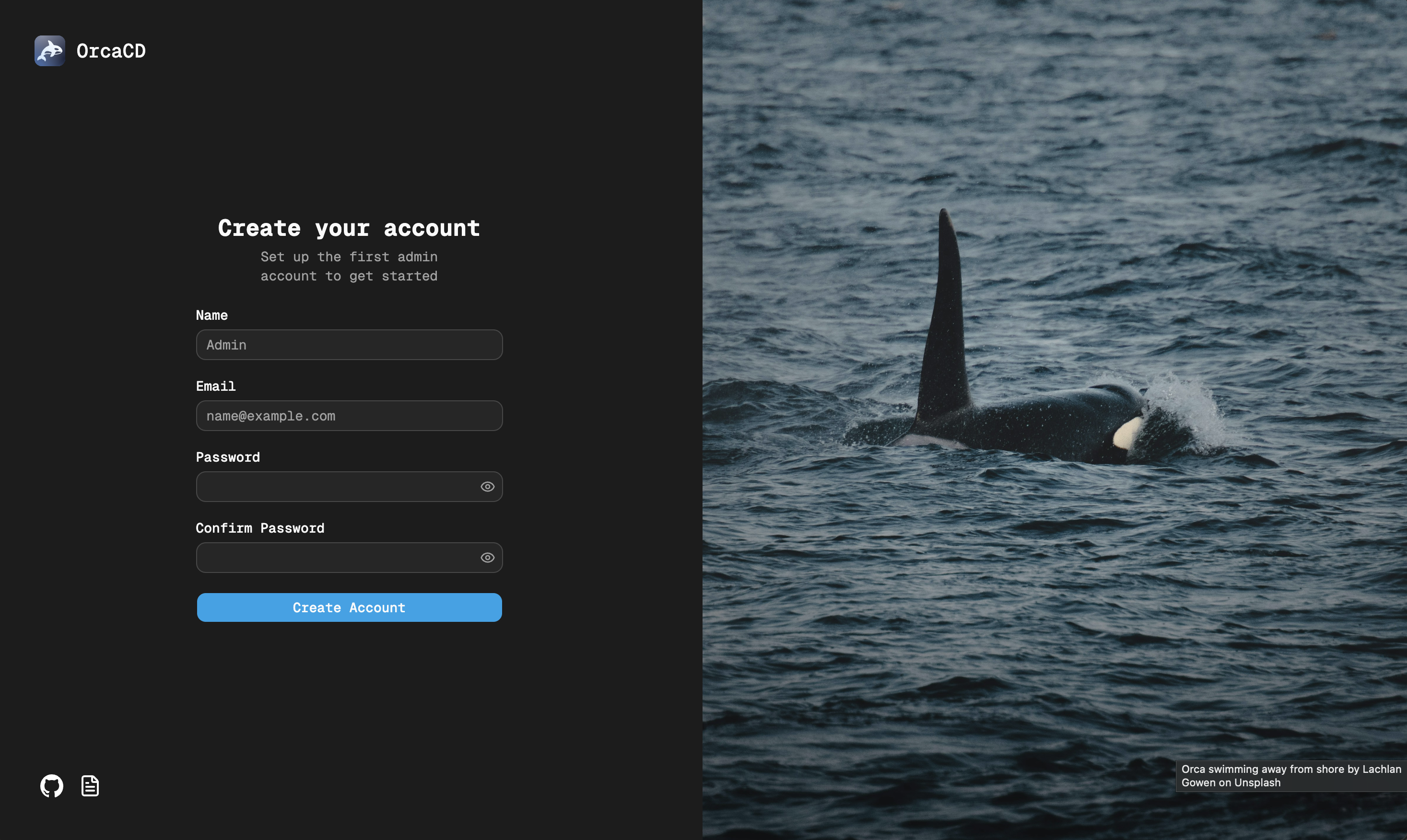
Open the Hub in your browser at the APP_URL you configured (e.g. https://orcacd.example.com/login) and create an admin account.
Connect your first Agent
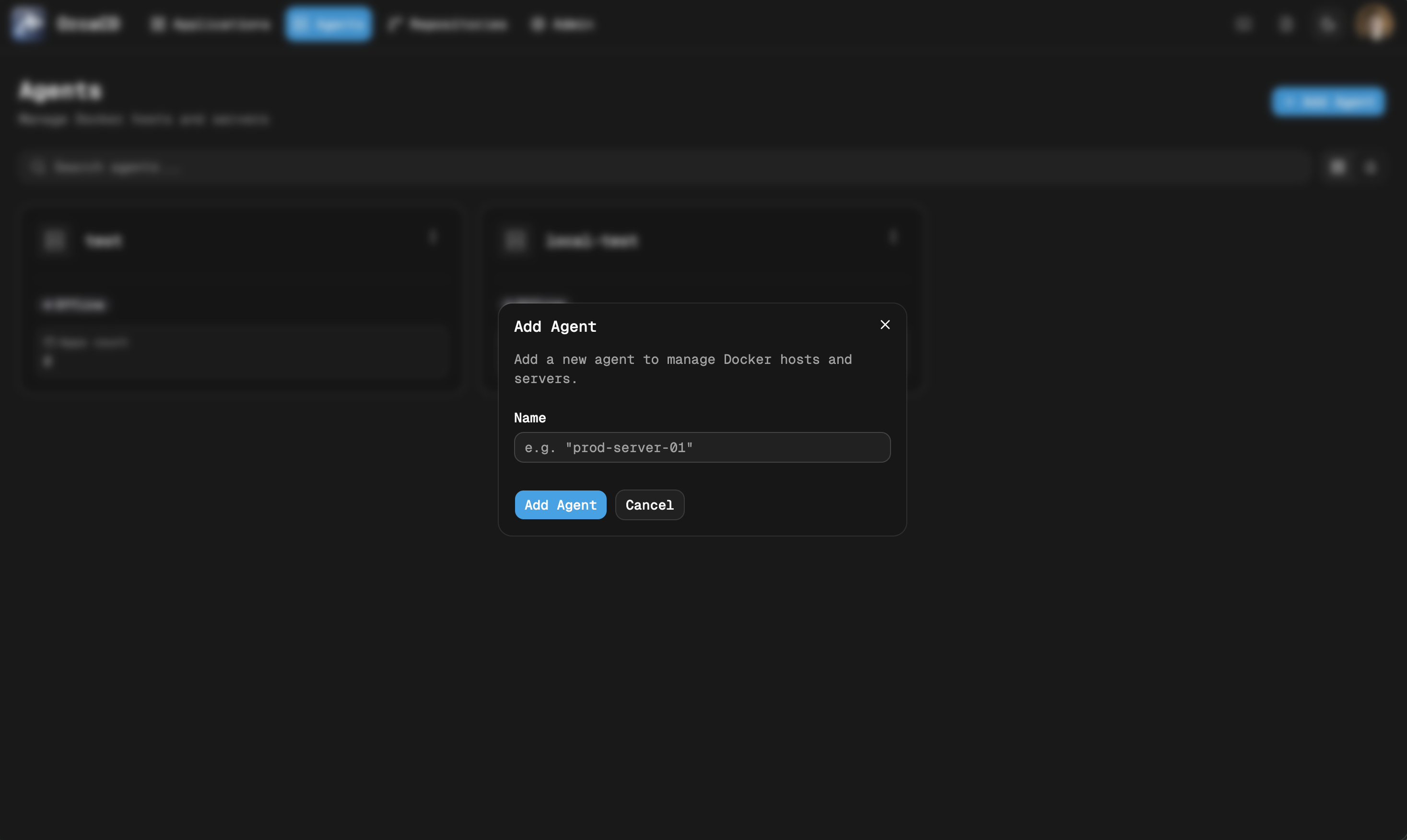
Navigate to the Agents page and click "Add Agent". Follow the instructions and copy the token and add it as AUTH_TOKEN to the .env file of your Agent deployment and restart the Agent.
Start Deploying
Add your first repository and create your first deployment. Connect a OIDC provider to allow your team to log in or invite them on the admin page.
Last updated on