
Agents
Managing agents and connecting them to the Hub
An Agent is a lightweight service that runs on the target host where your Docker containers are deployed. It connects to the Hub via WebSocket, receives deployment instructions, and reports status back. You can run multiple agents. One agent per environment, server, or cluster.
Creating an Agent
Before deploying the Agent, you need to register it in the Hub to obtain an authentication token.
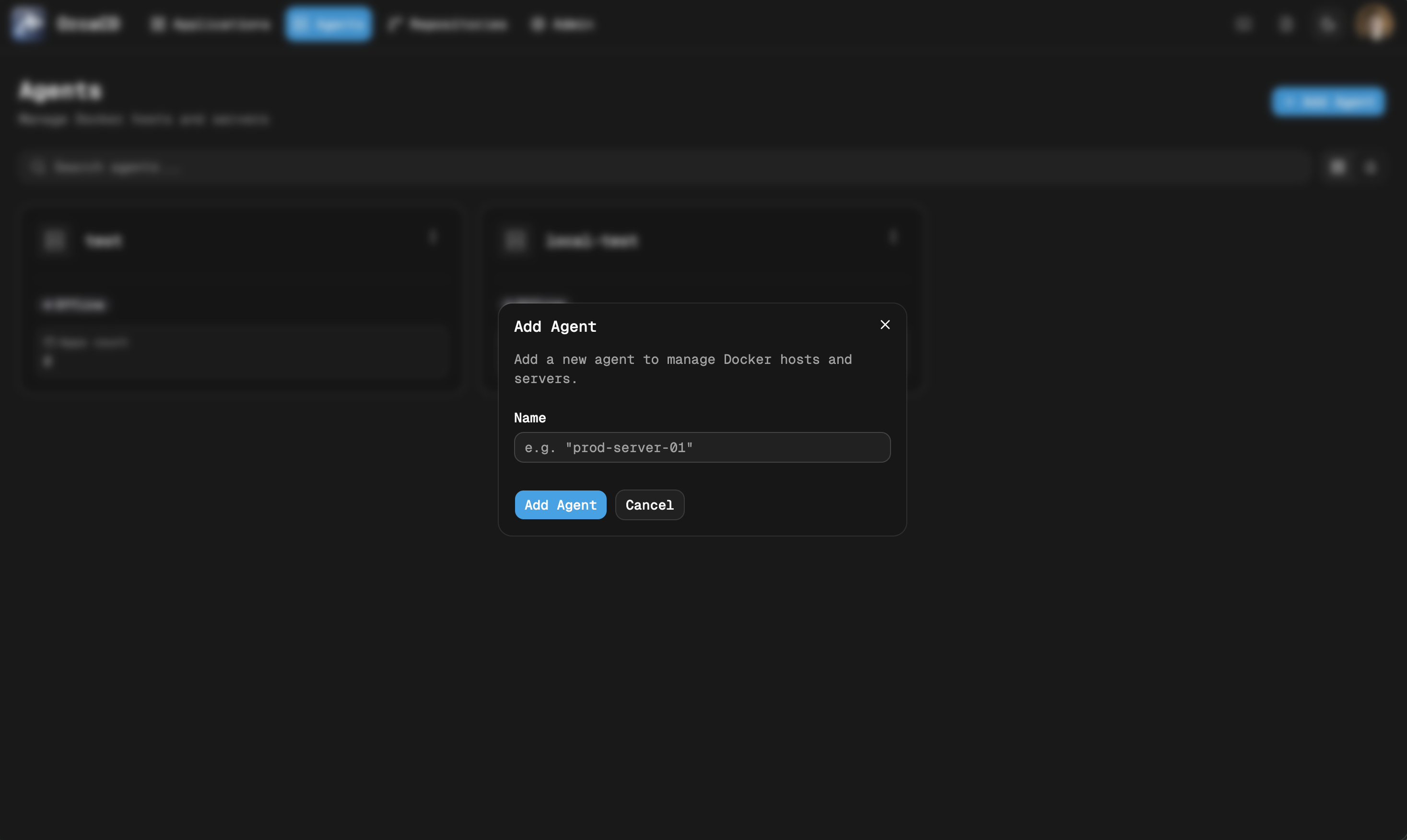
- Navigate to the Agents page in the OrcaCD UI.
- Click Add Agent and give it a name (e.g.,
production,staging). - Copy the generated
AUTH_TOKEN(only shown once).
Deploying an Agent
Same Host as the Hub
The default docker-compose.yml includes both Hub and Agent. If you are running both on the same machine, just set the AUTH_TOKEN in your .env and restart:
docker compose up -dRemote Host
To deploy an Agent on a separate server, copy only the Agent service definition to that machine. See installation for instructions on how to set up the Agent service.
The Agent will connect to the Hub. Once connected, its status in the Hub UI changes to Online.
Multiple Agents
You can register as many agents as you need. For example, one per environment:
| Agent name | Purpose |
|---|---|
production | Deploys to the production VPS |
staging | Deploys to a staging server |
dev | Local development environment |
Each Application in OrcaCD is assigned to exactly one Agent. You can split workloads across agents freely.
Rotating an Agent Token
If a token is compromised or needs to be rotated, navigate to the Agent in the UI, open the options menu, and select Rotate Token. A new token is generated immediately and the old token becomes invalid.
Update the AUTH_TOKEN in the Agent's .env and restart it:
docker compose up -dAgent Status
| Status | Meaning |
|---|---|
online | Agent is connected and ready to receive deployments |
offline | Agent has disconnected or has not yet connected |
If an Agent is offline, deployment dispatch fails immediately and the application is marked out-of-sync with an error. Deployments are not queued or retried automatically. Trigger the deployment again once the Agent is back online.
Last updated on